Invoicing a staging job is rarely a single bill. A typical job has an initial staging fee that covers a minimum term, monthly extensions if the home doesn't sell, and sometimes charges for add-ons, damage, or an early destage. Each of those invoices is tied to dates, and missing one is money your business already earned.
This guide covers the invoices a staging job usually needs, what to include on each one, how to stop extension fees from slipping, and how to choose invoicing software for a home staging business.
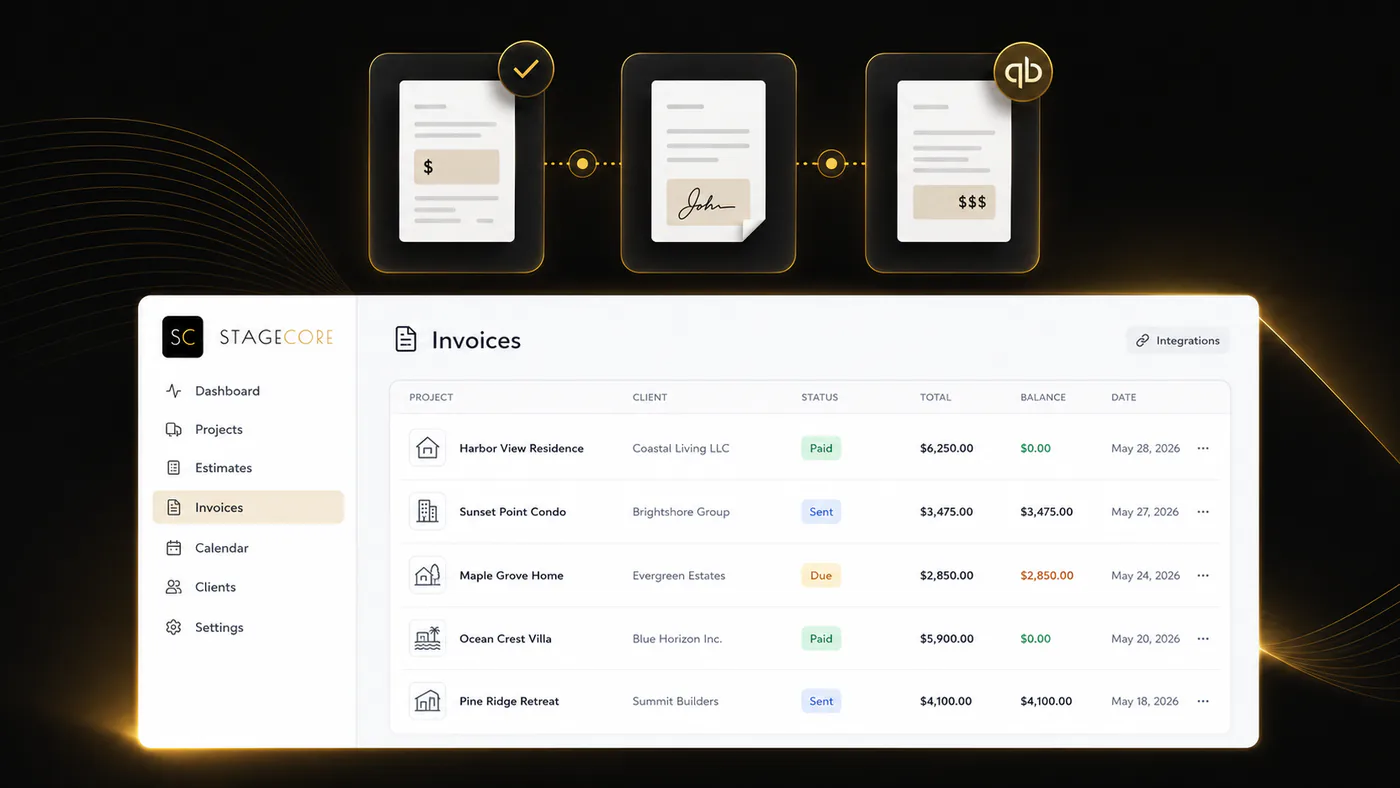
Why Staging Invoicing Is Harder Than It Looks
- Several invoices per job. An initial fee, recurring extensions, change orders, and close-out charges can all belong to one property.
- Billing follows dates. The staging term usually starts at installation, and extensions begin when the term ends — not when someone remembers to send an invoice.
- The payer varies. The listing agent, the homeowner, a builder, or an investor may be responsible, and sometimes the cost is split or paid at closing.
- Jobs change midstream. A room gets added, pieces are swapped after a price reduction, or an item comes back damaged.
- The tail is long. A home that sits on the market keeps generating extension cycles that are easy to lose track of.
The Invoices a Staging Job Usually Needs
Initial staging invoice or deposit
This covers design, delivery, installation, and the first term, which is commonly 30 to 60 days. Many stagers require payment in full, or a deposit, before they lock in the install date. If you need help setting the numbers, see our guide to pricing home staging services.
Extension invoices
If the property is still listed when the initial term ends, extensions bill each additional period, usually monthly, at the rate stated in the contract.
Change orders and add-ons
Extra rooms, additional pieces, or a restyle after a price reduction should be billed as separate line items so the client can see what changed.
Close-out charges
Damaged or missing items, extra trips, and rush or early destaging fees belong on a final invoice, but only when the contract already describes them.
What to Include on a Home Staging Invoice
- Your business name, logo, and contact details
- The client and the billing contact, meaning the person responsible for payment
- The property address and the project or contract reference
- The service period with start and end dates, which matters most for extensions
- Line items for rooms or packages, delivery and installation, extension periods, and add-ons
- Payment terms, the due date, and accepted payment methods
- Late fee and extension terms that match the signed contract
- Sales tax, if it applies — taxability of staging services varies by state, so confirm with your accountant
Extension Billing: Where Staging Revenue Leaks
The initial invoice is easy to remember because the client is waiting for it. Extensions are not. They start on a date nobody is watching, often while your team is busy with new installs.
For example, if a home is installed on March 3 with a 60-day minimum term, the term ends on May 2. If the property is still listed, the first 30-day extension begins on May 2 and the next on June 1. Each one is a separate invoice.
Make extensions predictable: state the term length and extension rate in the contract, invoice each extension at the start of its period, tell the agent a few days before an extension begins, and tie destage scheduling to billing so pickups and the final invoice happen together.
How to Get Paid Faster
- Collect payment or a deposit before installation, not after.
- Accept card and bank transfer so paying takes a minute.
- Make extension invoices due on receipt and send them on the first day of the period.
- Name the responsible payer in the contract and invoice that person directly.
- Send automatic reminders instead of relying on someone to chase balances.
- Reconcile payments weekly so outstanding balances are visible before they age.
Invoicing Software Options for Home Stagers
Accounting software
QuickBooks Online and Xero are the system of record for most staging businesses. They're excellent at invoices, payments, and financial reporting. What they don't know is when an install happened, when a term ends, or which properties are due for an extension — someone has to remember and create each invoice.
Client-management tools
HoneyBook and 17hats tie invoices to proposals, contracts, and online payments, which suits a solo stager. They don't track furniture, staging terms, or the warehouse side of the job.
Staging platforms
Some staging platforms include built-in invoicing, while others connect to your accounting software. Either way, the advantage is that the invoice knows the project, the contract term, and the extension cycle. Compare the options in our home staging software comparison.
How StageCore Handles Staging Invoicing
StageCore connects billing to the staging job rather than replacing your accounting system:
- Invoices in QuickBooks Online or Xero. Create project and extension invoices in your connected accounting system without retyping the job.
- Extension cycles you can see. StageCore tracks contract terms and invoice coverage periods to identify extension cycles that still need invoices.
- Payments and balances. Record and reconcile payments, and review outstanding invoices, contract value, and accounting reports.
- Billing that matches the signed scope. Estimates and contracts come first, so the rooms you invoice are the rooms the client approved.
- Answers in plain language. Ask analytics questions about revenue, payments, and outstanding balances without building a report.
Learn more on the home staging software page.